
Ready to take on any project,
Vite × WordPress environment.
"Prepare your environment before having AI write the code."
Leverage the strengths of a coder and
solidify the foundation of development first.

Precisely because we live in an era where AI writes code,
“An environment you can control with your own hands” makes the difference.
Before learning how to use the tools, start by building a solid foundation.
It will completely expand what you can do.
Do you experience stress like this?
A WordPress project,
and I'm already exhausted before even starting.
PAIN 01
First of all, Local is heavy.
It takes a few minutes to launch, and even then, it's sluggish.
My motivation is already drained before I even start writing code.
PAIN 02
Waiting for it to reload is a hassle.
Save → Wait a few seconds for it to compile → Manually reload the browser.
Doing this over and over is quietly exhausting. My train of thought gets broken every time I make a minor adjustment.
PAIN 03
Sharing the DB and posts is a hassle
ACF field settings, form configurations, post data.
None of it fits in Git, so sharing it with the team takes an extra step every time.
"Wait, this is different from my environment..." happens every single time.
Free trial available now.
For those who want to try the Vite environment first.
Just register on our official LINE account, and we'll send you a trial version of the static build right away.

WordPress development becomes something else entirely.
Four Changes You Can Make in This Environment
The combination of Vite and wp-env completely transforms the development experience.
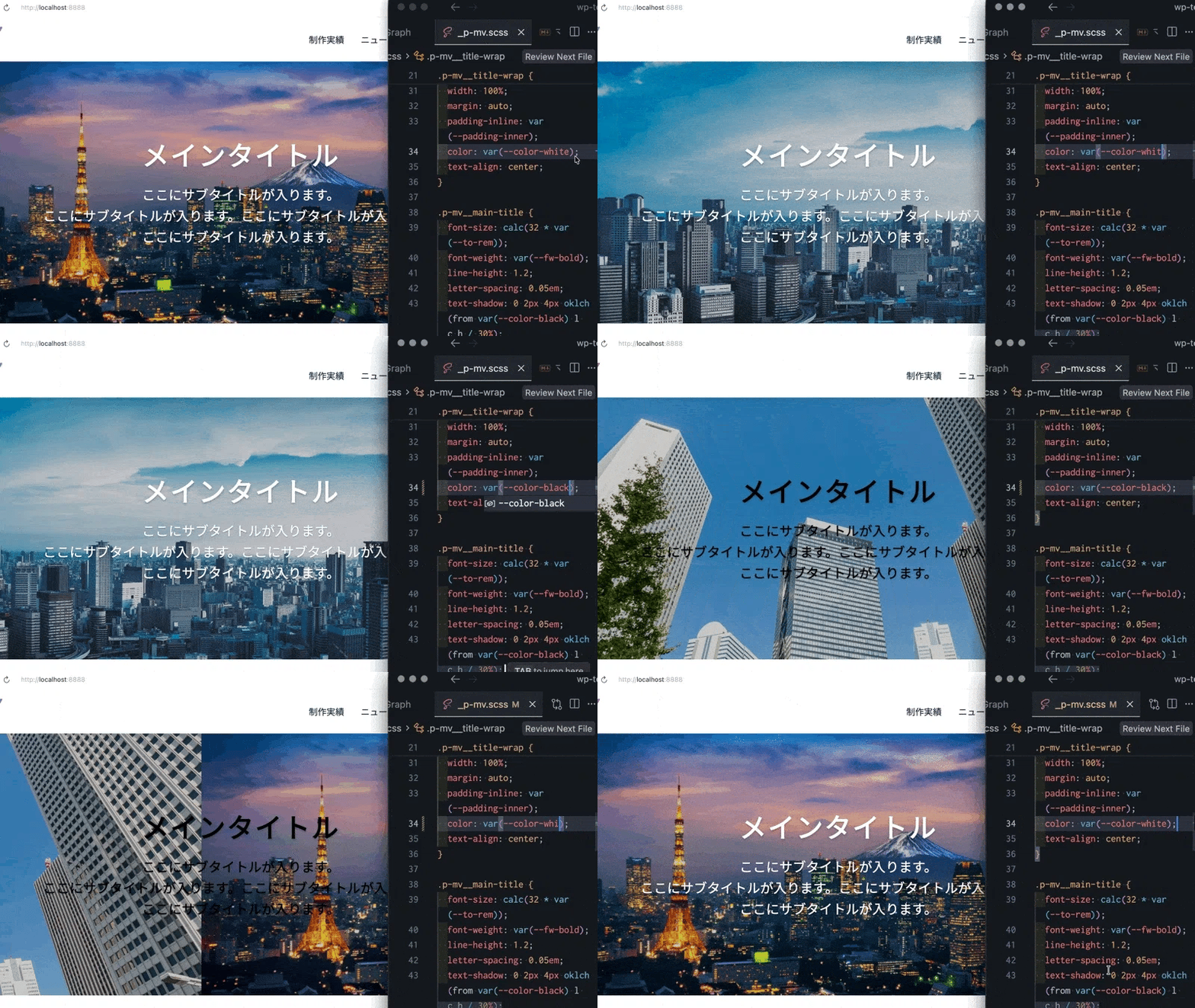
Reflected in the browser the moment you save.
Changes that took several seconds to reflect with Gulp now appear in about 0.1 seconds.
Once you experience the screen updating the instant you save, there’s no going back.
Setup with a single command.
Start with `yarn wp-start` and run initial setup with `yarn wp-init`.
Everyone gets the same environment, making team onboarding smooth.
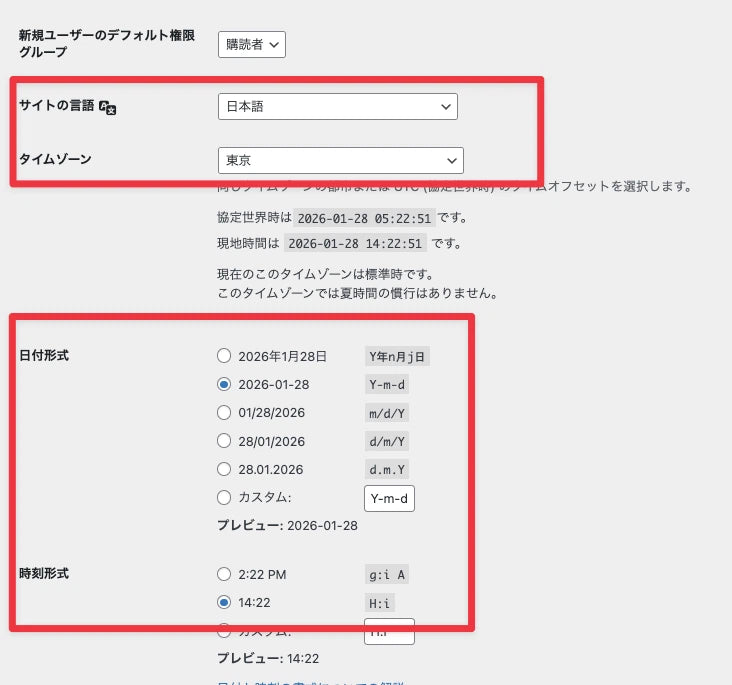
DB synchronization with a single command.
Export and import post data, ACF settings, and form configurations via the command line.
This solves all your problems with data that doesn't go into Git.
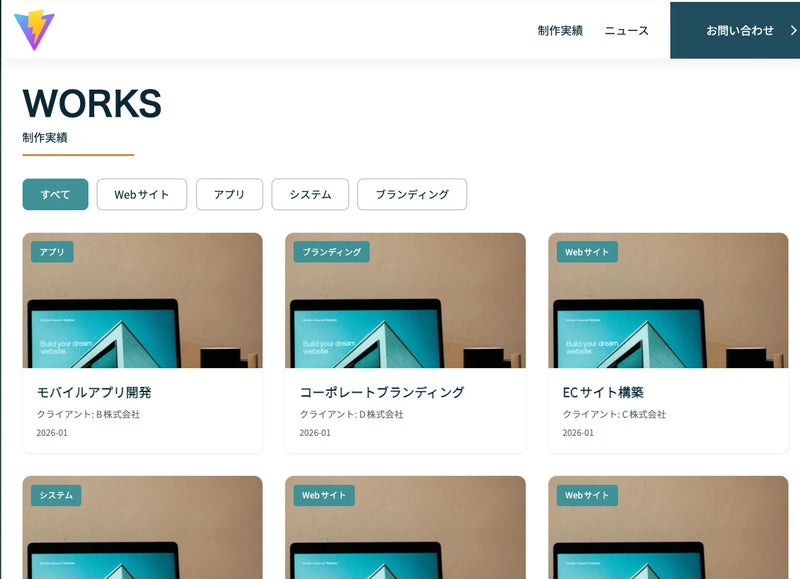
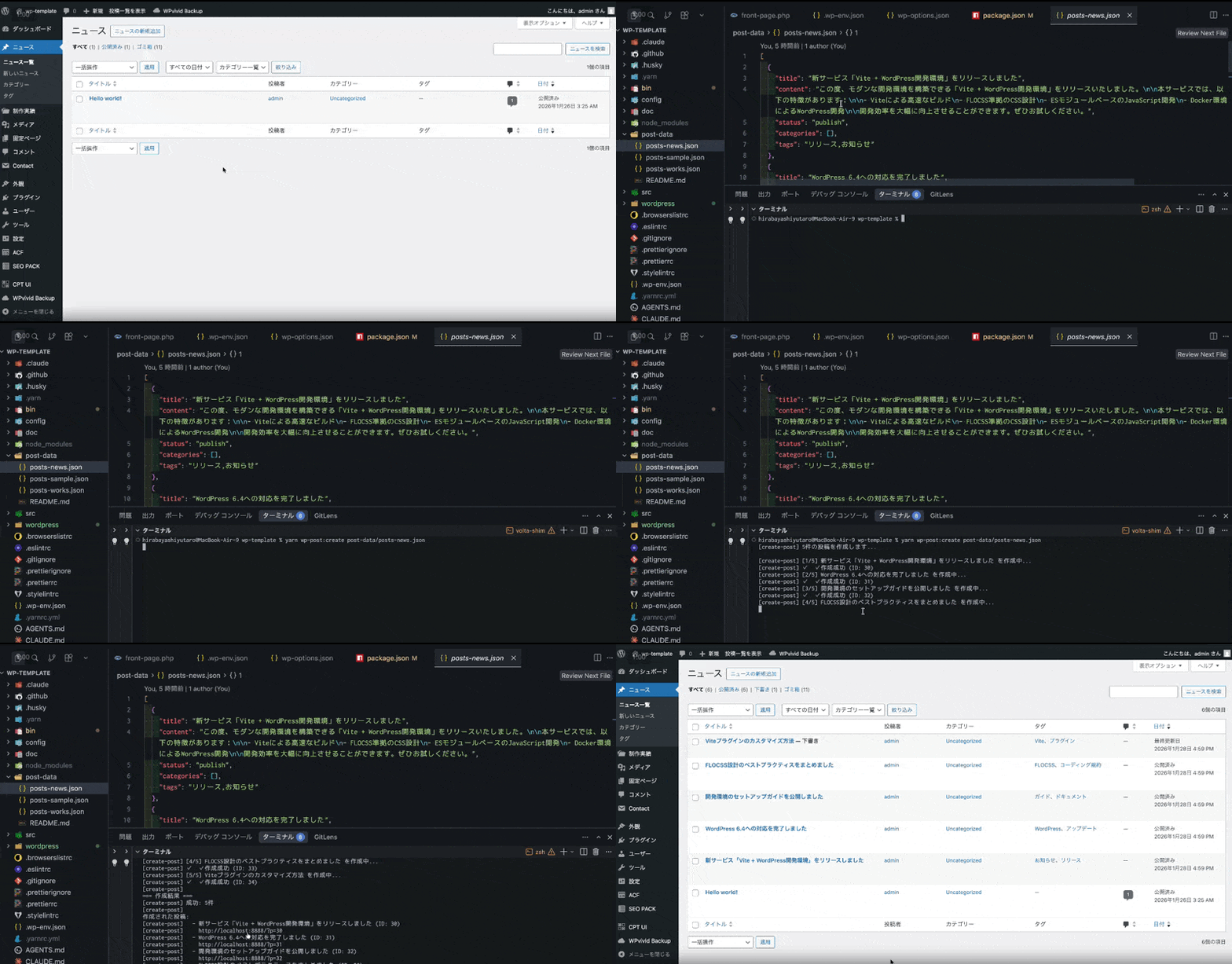
Generate dummy posts instantly.
Define it in JSON and import it all at once with a single command.
No more manually creating dummy posts one by one just to check loops.
See the lightning-fast performance in a video
Comprehensive Video Manual
We will support your setup with a series of 5 video tutorials.
FAQ
About concerns before purchasing.
Can I use it on Windows too?
Yes, it works. As long as Docker Desktop is running, you can start it using the same command on both Mac and Windows. The manual includes the installation instructions.
I have no experience with Docker. Is that okay?
Don't worry. The guide explains everything step-by-step, starting with the installation of Docker Desktop, so even if you've never used Docker before, you can follow along without getting stuck. Once you've run a few commands, everything is designed to work.
Is it a one-time purchase? Are there any additional fees?
This is a one-time purchase. There are no monthly or additional fees. Once purchased, you can continue to use it indefinitely.
Is it okay to use this for a project?
Of course you can use it. Both commercial use and modification are permitted. You can use it as is for client projects. Please refrain from reselling or redistributing it.
Can I get questions answered or receive support?
We offer official LINE and OpenChat channels, where we can provide you with direct support. Please rest assured.
From the very day you “set up the right environment,”
the way you experience development will change completely.
First, try moving it.

~ From Coder to Engineer, Living Lightly ~